 AI Trends
We recently launched the LiveKit Cloud API, which lets your coding agent read the transcripts, logs, traces, and recordings from your voice agent's calls.
This post walks through three ways to use it to improve your voice agent, and how to turn what it finds into a fix.
Before you start#Link to this section
You'll need:
- A voice agent on LiveKit Cloud that has taken calls with Agent Observability turned on.
- The admin role on the project.
- LiveKit CLI 2.19.4 or later.
Update the CLI, sign in, and install the LiveKit skills:
1brew update && brew upgrade livekit-cli # needs 2.19.4 or later2lk cloud auth --user-auth # sign in through your browser3lk skills install --global # teach your coding agent the new commands
On Linux or Windows? See the CLI docs.
Then open your coding agent in your voice agent's repo. If you work across several projects, name the project in your prompt. Otherwise the CLI uses your default project.
1. Fix the issues that hit the most calls#Link to this section
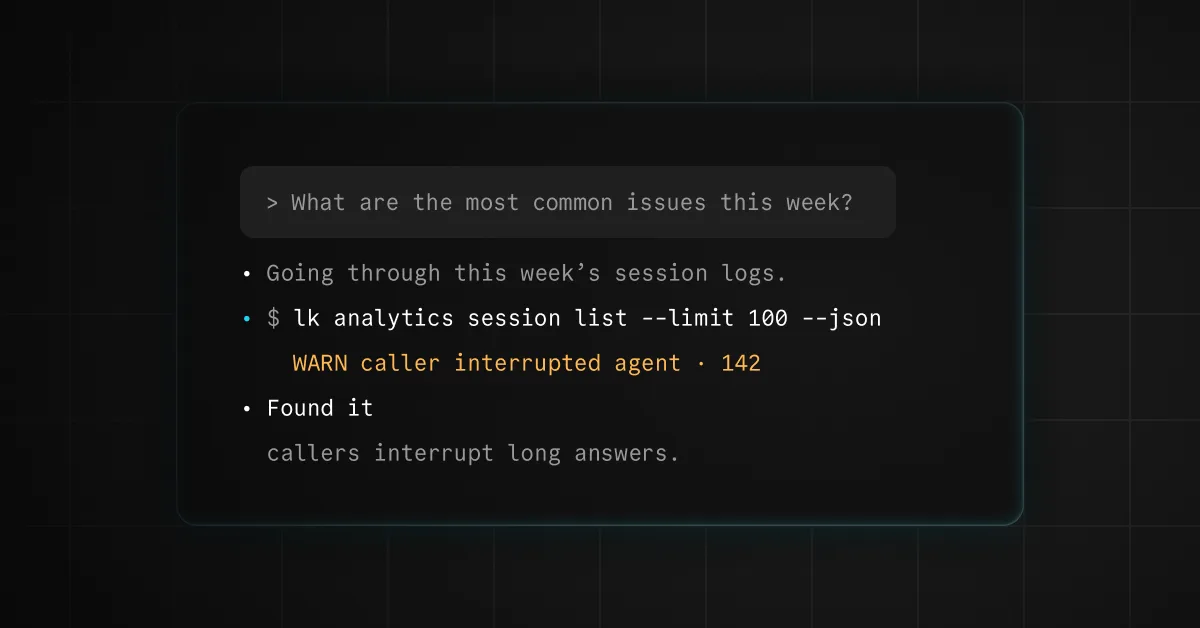
Try pasting something like this into your coding agent:
1Pull my agent's sessions from the last 7 days with lk analytics. Read the transcripts,2and check logs, traces, and metrics where they help. Group the problems you find into3clusters, like slow turns, tool errors, interruptions, misunderstandings, knowledge4gaps, and requests for a human. Give me a table with each issue, how many calls it5affected, an example session ID, the likely cause, and a suggested fix, ranked by6impact. Don't change any code yet.
You'll get back something like this:
| Issue | Calls | Likely cause | Suggested fix |
|---|---|---|---|
| Dead air while checking order status | 61 of 412 | lookup_order takes 4 seconds on average | Say a short filler while the tool runs |
| Callers cut in during confirmation numbers | 38 of 412 | The agent reads 12 digits in one breath | Read numbers in chunks and confirm each |
| Callers ask for a human after return questions | 27 of 412 | No return policy in the agent's instructions | Add the policy and a returns tool |
We ran this prompt on LiveKit's own docs assistant. Our coding agent read 4,321 sessions from the past week and came back after about 30 minutes of work with 8 ranked issues. It found that 28% of sessions were automated traffic, that slow turns came from chained tool calls, and which doc topics people asked about but couldn't get answers to.
TipIf your agent takes a lot of calls, start with a sample, like the last 100 sessions or the last 24 hours. Your coding agent reads every transcript it pulls, so a smaller set is faster and uses fewer tokens. The biggest issues show up in a sample anyway.
2. Get to the bottom of a bad call#Link to this section
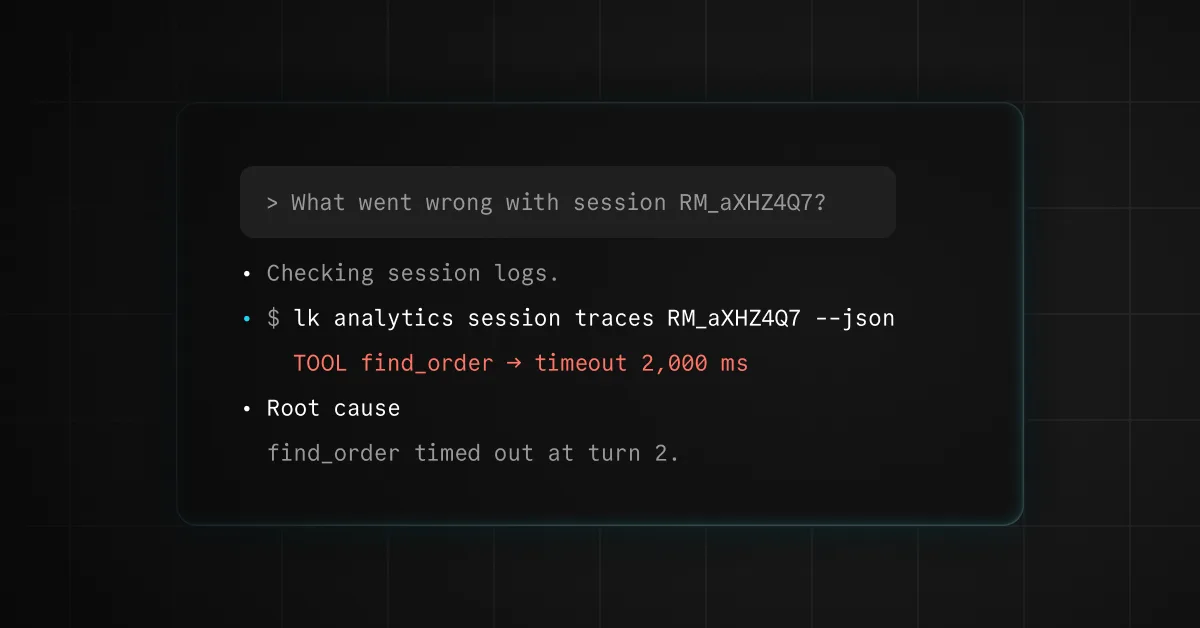
Sometimes you already know which call went wrong. Grab its session ID from the Sessions page in LiveKit Cloud, or ask your coding agent to find it with lk analytics session list. Then ask:
1Session SESSION_ID went wrong. Pull the transcript, logs, and traces, and figure out2why. Show me what happened turn by turn and what you'd change. Don't change any3code yet.
Your coding agent lines up what the caller said with what your agent did, turn by turn. Because each turn carries its own timing, it can tell you whether a long pause came from the model, the voice, or a tool.
3. Find what to build next#Link to this section
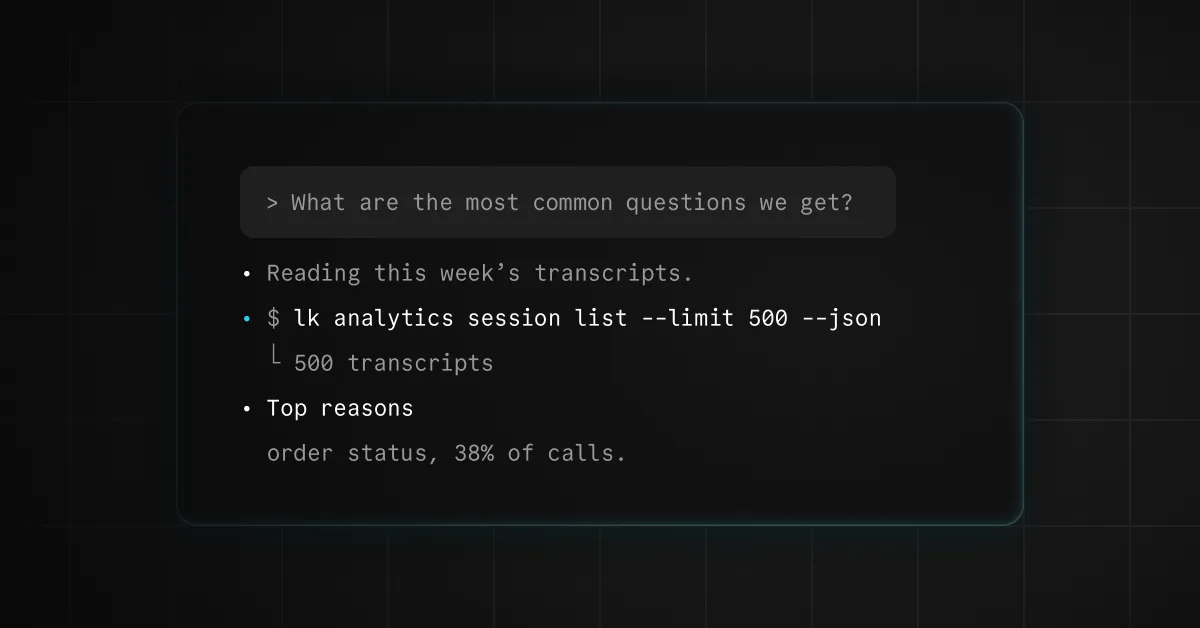
Your transcripts don't only show what's broken. They also show what callers want that your agent can't do yet. Ask:
1Look at my agent's calls from the last 30 days. What are callers asking for that my2agent can't handle today? Group the requests, count them, and show me which ones3end in a transfer to a human or a hang-up. For the top three, tell me what we'd4need to build.
This is how you find the next tool to build, the knowledge your agent is missing, or a language more of your callers are speaking. It's also a quick way to cut the number of calls that end with "Can I talk to a person?"
Then fix it, and prove the fix#Link to this section
Once you've picked something to fix, have your coding agent turn the real call into a test before it touches the code:
1Turn one of those calls into a simulation scenario and use lk agent debugger to2confirm it fails. Then fix the code and rerun the scenario until it passes. When it3does, run the full scenario set and show me the diff and the results.
Your coding agent writes the scenario from the real conversation, replays it locally against your agent, makes the change, and shows you the diff and the results before anything ships. The scenario stays in your repo, so if a later change breaks the same thing, you'll know before it reaches production.
When you're happy with the fix, ask it to deploy. Then run the first prompt again next week and see what moved.
Try it on your agent#Link to this section
Run the setup, open your coding agent, and paste in the first prompt. Fix the top issue on the list, prove the fix with a scenario, and ship it.