 AI 热点
Curate, augment, generate, and label physical AI data, orchestrated by your coding agent.
 Nov 18, 2026
By Nakul Arora
Discuss (0)
AI-Generated Summary
- NVIDIA Cosmos is an open platform of frontier models, datasets, frameworks, and skills for world model development.
- NVIDIA Cosmos Data Factory (CDF) provides five cloud-native blueprints and six composable skills to accelerate data curation, processing, and synthetic data generation for physical AI.
- The CDF Orchestration core skill coordinates workflow steps, deploys required services, and manages execution on a cluster for all five reference blueprints.
- Five training data use cases include generating driving scenarios for autonomous vehicle training, augmenting image attributes for search and re-identification, augmenting videos across weather and lighting, generating rare event videos, and generating defect images for visual inspection.
- Core agent skills such as Auto Labeling, AnomalyGen, Augmentation, Curation and Retrieval, Simulation, and Orchestration can be used independently or combined to build custom workflows.
- NVIDIA measured daily throughput on a cloud server with eight NVIDIA RTX PRO 6000 Blackwell Series GPUs, reporting up to 60x faster dataset assembly and 45x cheaper autonomous vehicle scenario generation compared to traditional methods.
Next Steps
- Explore the NVIDIA Cosmos Data Factory blueprints and composable skills to accelerate data curation and synthetic data generation.
- Watch the Build Training-Ready Datasets in Two Prompts livestream to learn how to curate and augment datasets for autonomous vehicles, robotics, and vision AI agents.
World model accuracy starts with high-quality, diverse training datasets. Yet capturing rare defects, nighttime incidents, and other challenging scenarios is costly and time-consuming. Turning raw data into training-ready datasets adds complexity, particularly when using disconnected tools and manual processes for curation, labeling, generation, and evaluation.
NVIDIA technology is helping developers more easily build high-quality, diverse training datasets at scale for physical AI. NVIDIA Cosmos is an open platform of frontier models, datasets, frameworks, and skills for world model development. As part of this platform, NVIDIA Cosmos Data Factory (CDF) is a collection of five cloud-native blueprints and six composable skills to accelerate data curation, processing, and synthetic data generation (SDG). Frontier AI agents can be used to orchestrate these blueprints, enabling prompt-to-data without human steering.
This post walks you through how to curate and augment datasets or create anomalous events for physical AI model training with just two prompts in Cosmos. It features five different use cases.
Set up and configure Cosmos blueprints and skills: Prompt 1
Cosmos Data Factory contains five reference blueprints for common tasks. All five blueprints run using the CDF Orchestration core skill, which coordinates workflow steps, deploys the required services, and manages execution on your cluster.
To set it up, enter the following prompt into your coding agent:
Example prompt:“Clone the CDF Orchestration repository, then run orchestration preflight and setup.” |
|---|
Preflight checks your environment without making changes and flags anything missing. Once those checks pass, setup prepares your environment to run the blueprints.
Run the blueprint for your training data use case: Prompt 2
This section features five training data use cases for running the blueprint, including example prompts:
- Generate driving scenarios for autonomous vehicle (AV) training
- Augment image attributes for search and re-identification
- Augment videos across weather, lighting, and environments
- Generate rare event videos for model training
- Generate defect images for visual inspection
If you already have footage or images and need to curate and add more variety, the first use case in this section covers generating driving scenarios, varying clothing attributes in person images, and transforming videos across weather, lighting, and environmental conditions. The augmentation use cases expand the variety in your existing data, but some training gaps call for creating entirely new events or defects.
Your model might need to recognize a leaking product or a defective circuit board, but your dataset may contain few examples or none. Waiting to capture enough rare cases can take years, and staging them can be dangerous or expensive. The last two use cases cover generating rare event videos and defect images from images or 3D assets to fill these gaps.
Use case 1: Generate driving scenarios for AV training
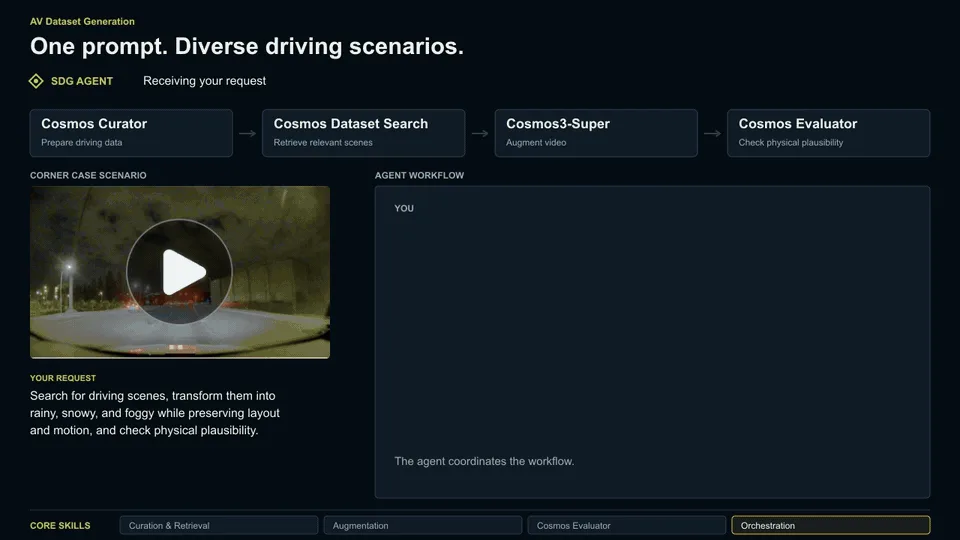
The Autonomous Vehicle Dataset Generation blueprint helps you search large databases of driving scenarios and generate novel datasets for downstream model training and validation tasks. NVIDIA Cosmos Curator extracts metadata for your video dataset inputs, and NVIDIA Cosmos Dataset Search finds relevant videos through those embeddings. The retrieved videos are passed to NVIDIA Cosmos3-Super-Image2Video style transfer, and Cosmos Evaluator checks the generated videos for physical plausibility.
Example prompt:“Search for driving scenes similar to our input video.mp4, transform them into rainy, snowy, and foggy while preserving layout and motion, and check physical plausibility.” |
|---|
Use case 2: Augment image attributes for search and re-identification
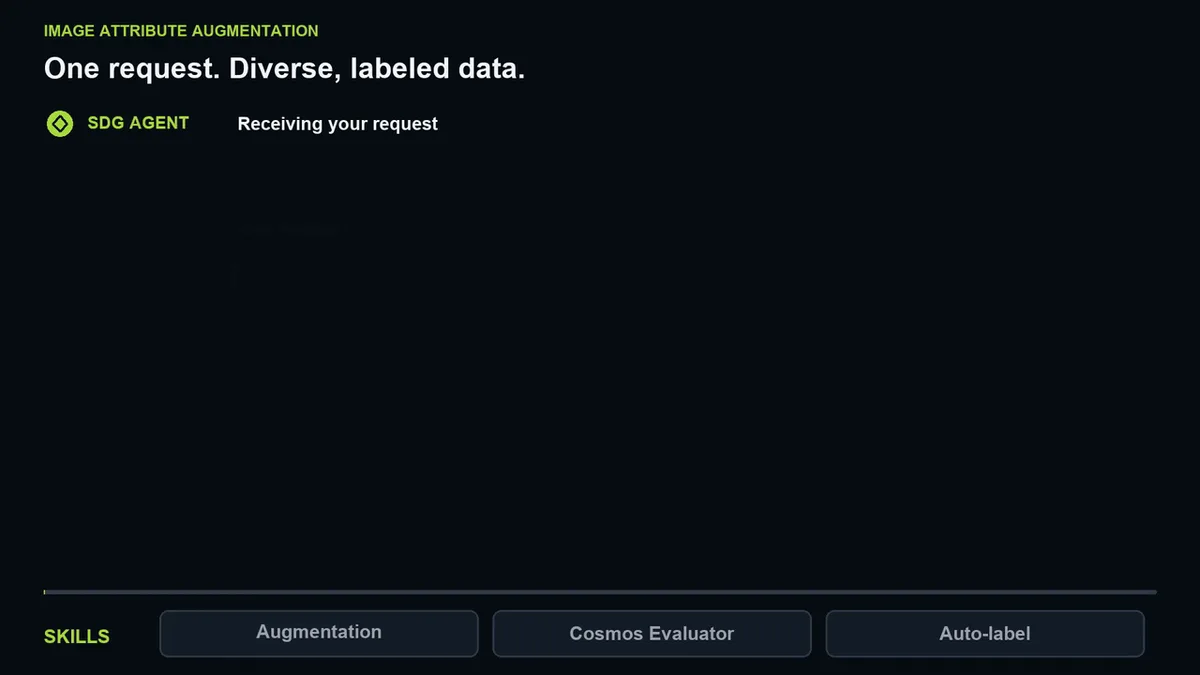
The Image Attribute Augmentation reference blueprint generates variations of person-crops with controlled attribute changes such as clothing type, accessories, and color. An LLM turns your selected attributes into structured modification prompts, used to generate the augmented variations of the source image. Cosmos Evaluator confirms that the requested clothing attributes appear. The blueprint then auto-labels the results with clothing attributes and search queries for person search and re-identification.
Example prompt:“Augment the person crops in <input-bucket>, three clothing variants per person, and write the output to <output-bucket>.” |
|---|
Use case 3: Augment videos across weather, lighting, and environments
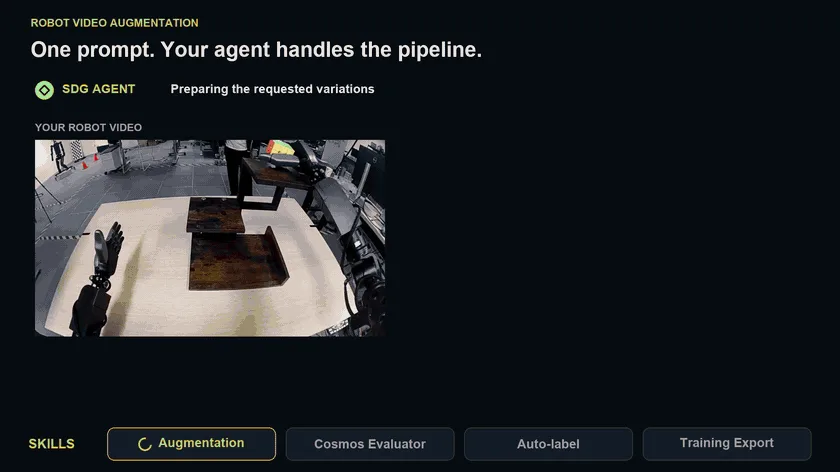
The Video Data Augmentation reference blueprint transforms your existing footage across weather, lighting, and environmental conditions while preserving scene structure. A vision language model (VLM) describes your source video and combines that with your requested conditions into a structured prompt, which Cosmos3-Nano uses to generate the augmented variant.
Cosmos Evaluator checks each generated clip for motion artifacts that aren’t in your source, confirms that the conditions you asked for actually appear, and scores whether the motion is physically plausible. Next, the blueprint auto-labels both your source and generated videos with detection, tracking, and captions. It then provides you with a training-ready dataset.
Example prompt: “Run video data augmentation on the videos in <input-bucket>, create 3 augmentations for yellow lighting, dim lighting and red table. Write the output to <output-bucket>.” |
|---|
Use case 4: Generate rare event videos for model training
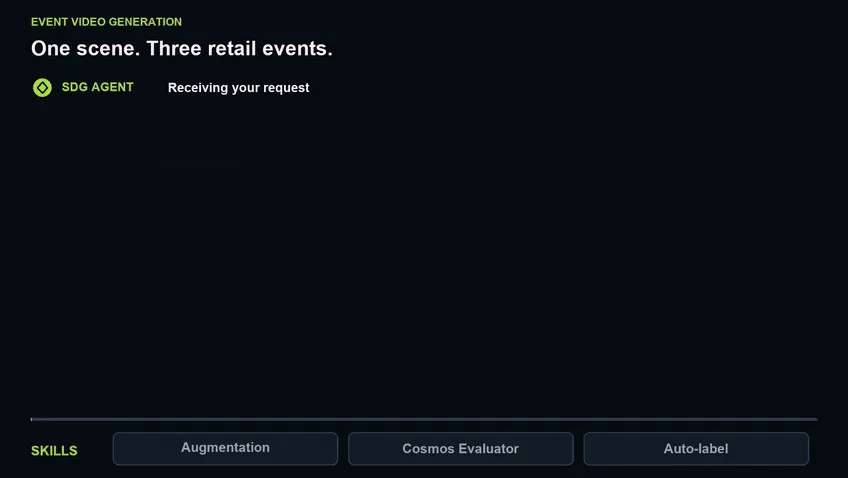
The Event Video Generation reference blueprint uses a source image to create videos of rare events, such as fires, falls, or shoplifting. A VLM combines its description of your scene with your requested event into a structured prompt. Cosmos3-Super-Image2Video generates the clip while preserving the source viewpoint and layout.
Cosmos Evaluator checks whether the event appears and whether motion looks physically plausible, retrying failed clips. Passing clips are auto-labeled with detections, tracks, captions, and semantic annotations for downstream training.
Example prompt:“Run the Event Video Generation blueprint on the image in <input-bucket> to generate 3 clips: normal traffic, stalled vehicle, and collision at the intersection. Write the output to <output-bucket>.” |
|---|
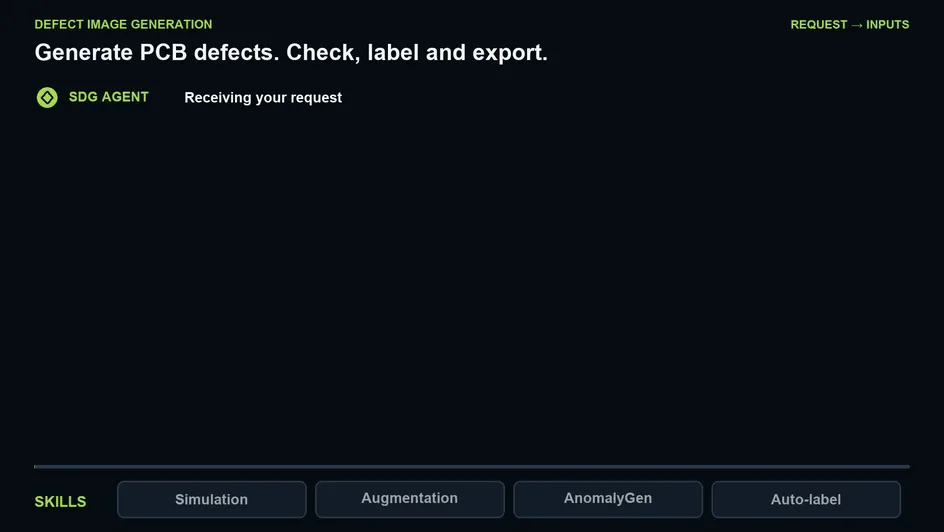
Use case 5: Generate defect images for visual inspection
The Defect Image Generation reference blueprint creates defective examples from clean inspection images or 3D USD assets of parts such as circuit boards, glass panels, or metal surfaces. For 3D assets, NVIDIA Isaac Sim renders inspection images and masks, and Qwen-Image-Edit creates realistic clean reference images, called golden images.
Cosmos 3 Super uses these images, defect masks, and your requested defect types to generate defects while preserving the surrounding part. It ships fine-tuned for printed circuit boards (PCBs), glass, and metal, with further fine-tuning skills available for other use cases. You get golden images, synthetic defect images, and manifests tracing each result to its source and generation settings.
Example prompt:“Run the Defect Image Generation blueprint and generate shift structural defects for images in <input-bucket> with full board coverage. Write the output to <output-bucket>.” |
|---|
How to use core agent skills and tools for specific tasks like curation, search, and labeling
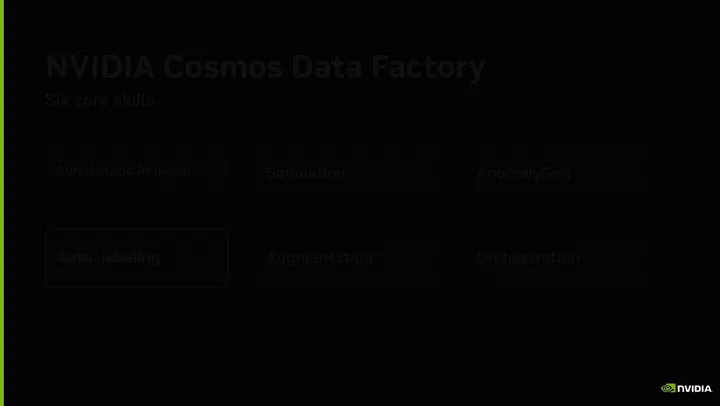
The blueprints outlined in the previous section are built from six core agent skills: Auto Labeling, AnomalyGen, Augmentation, Curation and Retrieval, Simulation, and Orchestration. You can use these skills independently or combine them to build a workflow around your own data and goals.
- Auto Labeling: Turns raw video and images into annotated datasets with detection, tracking, captions and scene understanding.
- AnomalyGen: Creates realistic defect images from a handful of examples, with masks, for visual inspection.
- Augmentation: Generates visual variations of your video and images using Cosmos models, for conditions you can’t capture.
- Curation and Retrieval: Finds clips and images in a large collection, using Cosmos Curator and Cosmos Dataset Search.
- Simulation: Renders photorealistic, fully labeled images from 3D scenes using Isaac Sim and Omniverse Replicator.
- Orchestration: Runs reference blueprints on your cluster, deploying the services each one needs and scaling them.
Example prompt:Clone the auto labeling repo https://github.com/NVIDIA/cdf-auto-labeling/tree/main. Perform video auto-labeling to label my videos at <input-bucket>. Save outputs to <output-bucket>. Use the locally deployed model at <endpoint> for VLM and LLM. |
|---|
For workflows focused on curation and retrieval, use Cosmos Curator to process and auto-label raw video and multimodal data, and Cosmos Dataset Search to find targeted training scenarios across large datasets. Cosmos Curator now supports multicamera video, IMU, and GPS inputs, plus initial lidar support in its sensor library. Reusable Python processing components and Managed Ray on Slurm orchestration help teams connect sensor observations, test curation strategies, and use spare GPU capacity.
Planned expansion includes additional lidar devices, radar, and other sensor types. Cosmos Dataset Search, now open source under the Apache 2.0 license, combines metadata, scene semantics, spatial relationships, and temporal behavior through multi-embedding retrieval and adaptive agentic reranking (early access). Its modular APIs and agent skills retrieve relevant video segments for training datasets or the augmentation blueprints above.
Generate training data up to 60x faster and 45x cheaper
Cosmos Data Factory skills and blueprints turn hard-to-collect training data into a compute workload you control. The NVIDIA team measured daily throughput on a cloud server with eight NVIDIA RTX PRO 6000 Blackwell Series GPUs at roughly $40 per server-hour, or $960 per day, then divided daily cost by output to estimate cost per asset.
- AV dataset generation: Generates ~130 edge-case clips/day at $2.66 in GPU compute per clip, about 45x cheaper than a fleet crew costing $125 per scenario collected on the road.
- Image attribute augmentation: Augments ~42,649 annotated image pairs/day at $960/day, or $0.023 per pair, about 10x cheaper than the $0.25 average for third-party purchased data.
- Video data augmentation: Augments ~305 annotated clips/day at $3.15 per ~5-minute clip, about 7x cheaper than the $22 average we’ve paid for third-party data.
- Defect image generation: Dropped dataset assembly time from two months to one day, a 60x speedup.
- Event video generation: Generates ~384 annotated clips/day at $2.50 each and ~4 minutes per clip, creating scarce training examples of fires, fights, and falls without waiting for or recreating dangerous real incidents.
With Cosmos, training gaps become generation jobs with a measurable compute budget. Note that these figures cover compute only; source data preparation, setup, agent use, storage, and human review may add costs.
What results and projected outcomes are organizations reporting with Cosmos?
Several organizations are using Cosmos skills and blueprints to improve testing, detection, and search accuracy across autonomous vehicles, visual inspection, and robotics while targeting lower costs and effort.
- Improving recall on real-world anomalies by up to 24% with synthetic data and estimated 1,400x return on data-generation cost at an offshore oil and gas site.
- Targeting up to 85% less manual engineering effort in automated optical inspection (AOI) program generation – with 40% fewer false calls.
- Reducing repeated physical test drives by up to 90% and shortening AI regression test cycles by up to 85% (expected).
- Going to market in under two weeks with Cosmos Curator compared to an estimated six months (time required to build an equivalent pipeline in-house).
Get started with NVIDIA Cosmos
To accelerate data curation, processing, and synthetic data generation for your application, check out NVIDIA Cosmos Data Factory blueprints and composable skills. Start with a blueprint that matches your use case, follow the setup guide, and use your AI agent to run the workflow with your data. Customize your pipeline with individual skills to generate high-quality, annotated training datasets.
To learn more, join us on November 19 for the livestream, Build Training-Ready Datasets in Two Prompts. Learn how to use Cosmos to curate and augment datasets for AVs, robotics, and vision AI agents. Featuring Voxel51 and Encord, the livestream will highlight how Porsche uses Cosmos Data Factory through the Voxel51 platform and how Encord worked with ANYbotics.
Discuss (0)Tags
Agentic AI / Generative AI | Computer Vision / Video Analytics | Simulation / Modeling / Design | General | Blackwell | Cosmos | Isaac Sim | Intermediate Technical | Tutorial | AI Agent | Blueprint | Physical AI | Synthetic Data Generation | VLMsAbout the Authors
 About Nakul Arora
Nakul Arora is a director of Product Management at NVIDIA, working on NVIDIA Metropolis, a platform that helps businesses deploy AI that sees and understands the physical world through cameras. He drives product strategy across NVIDIA's three-computer architecture–from synthetic data generation and simulation to training and real-world inference at the edge and cloud–turning physical infrastructure into intelligent, responsive systems. View all posts by Nakul Arora